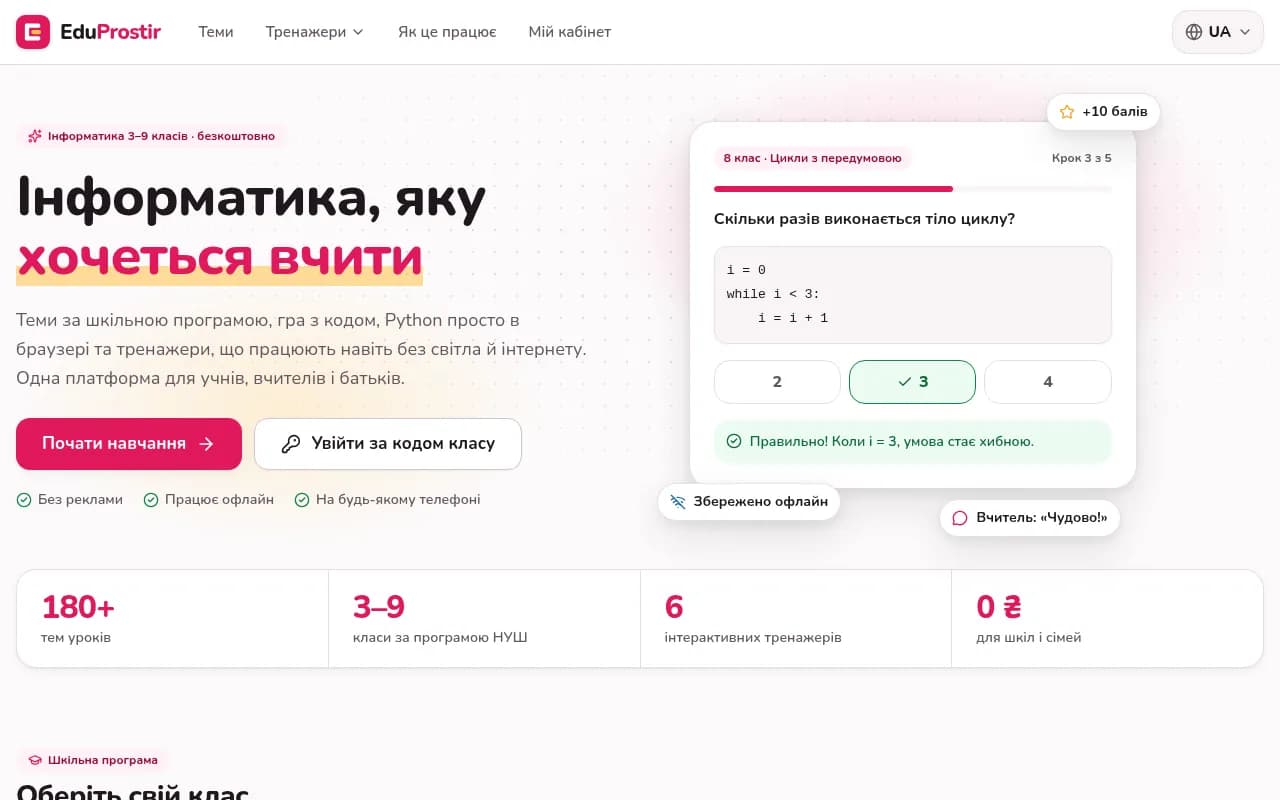
EduProstir is a free computer science platform for Ukrainian schools. It covers grades 3-9 under the New Ukrainian School curriculum and brings lessons, practice, grading and communication into one product for students, teachers and parents. I designed and built it alone, from architecture and data model to the interface, trainers and launch. You can open it at https://eduprostir.com/. This article explains what the platform does, which engineering problems mattered, and how they were solved.
The problem
Computer science lessons in Ukrainian schools run into the same obstacles again and again. Many students only have an old phone. Power and internet cuts interrupt lessons and homework. Teachers spend evenings checking notebooks, and parents rarely see what their child actually did. Most existing tools solve one piece, need an email for every child, show ads, or stop working as soon as the connection drops.
The goal was one platform that a school can use without paperwork or budget: the full curriculum, practice with automatic checking, a teacher workspace, a parent view, and an app that does not fall apart when the lights go out.
What the platform includes
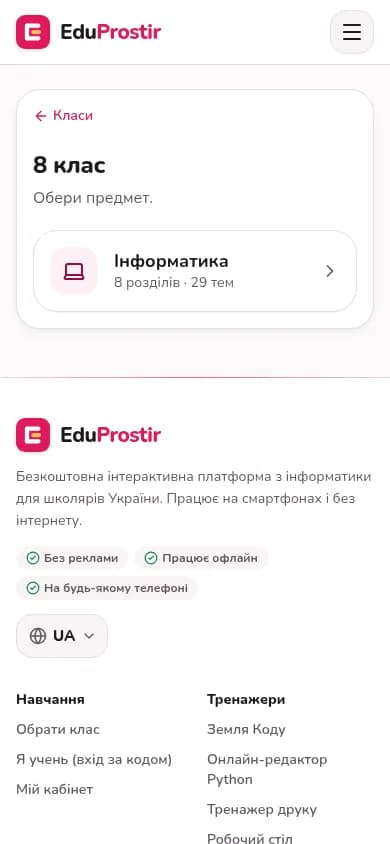
Lessons: 180+ topics for grades 3-9 that follow the official program, each with theory, interactive questions and practice, plus a roadmap to grades 3-11.
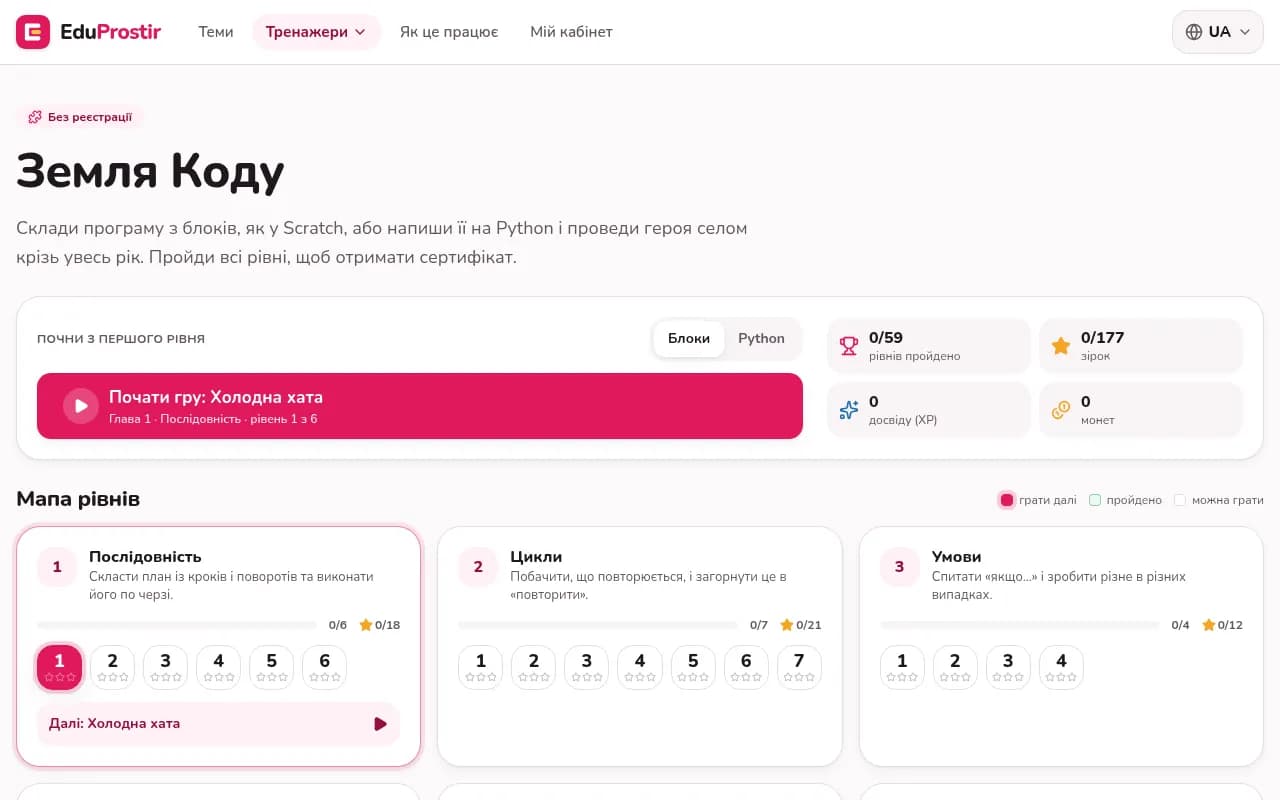
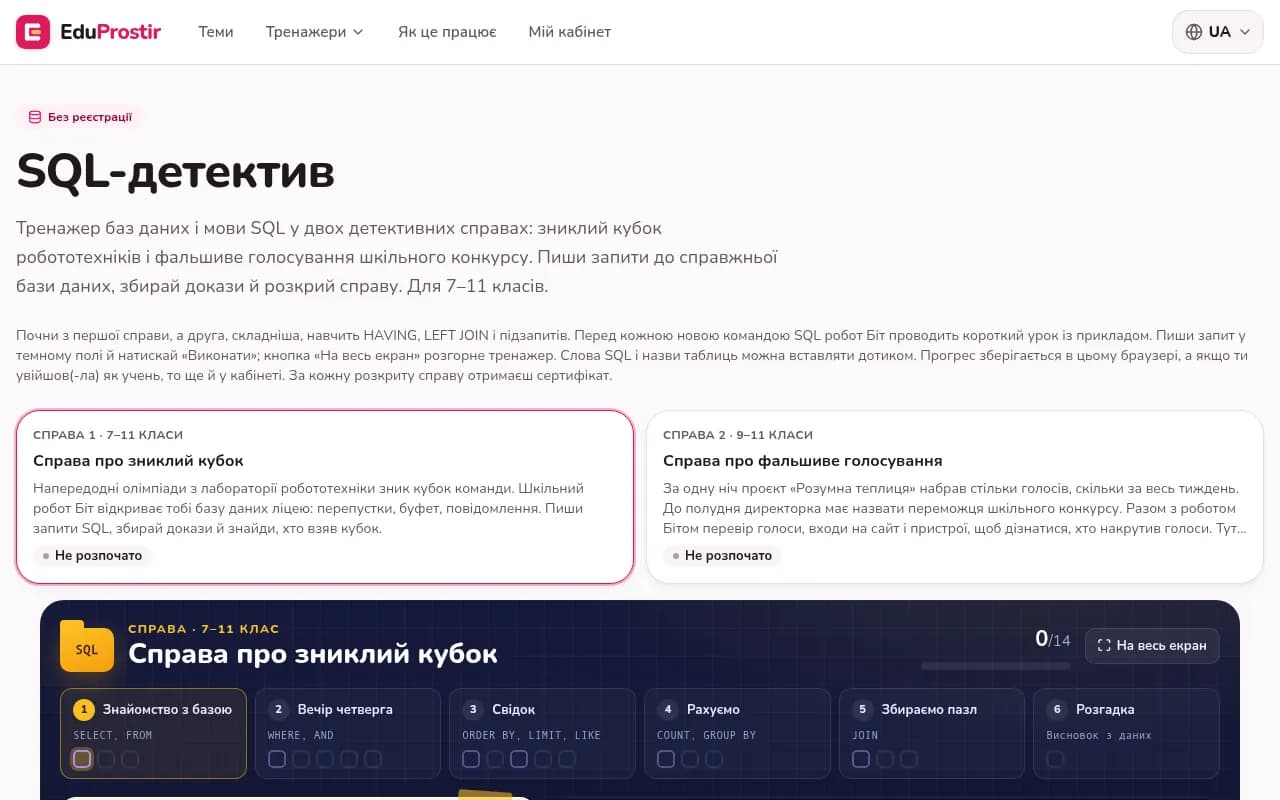
Trainers: Code Land, a level-based game where students program a hero with blocks or Python; an online Python editor with input, turtle and tkinter; a SQL detective; and trainers for typing, spreadsheets, flowcharts, a desktop simulator and assembling a computer in 3D.
Teacher workspace: a class is created in a minute and students join with a class code, no email needed. The teacher gets a gradebook, a review queue, photo review of paper notebooks, and analytics that show which tasks are hardest for the class.
Students and parents: progress, points, certificates and a chat with the teacher. A parent connects with the child's code and sees results without a separate registration.
Engineering decisions that mattered
Offline-first, not offline-tolerant. The platform is a progressive web app. After the first visit, lessons, trainers and the Python editor work without a connection. Answers and progress are saved locally and synchronised with the server when the network is back, so a blackout in the middle of a lesson does not wipe out a student's work. This shaped the data model from the start: every action must be safe to store locally first and replay later without duplicates or conflicts.
Code runs in the browser. Python and SQL execute on the student's device through WebAssembly, not on a shared server. That removes a whole class of server load and security problems, keeps the editor responsive on a slow connection, and is what makes the editor usable offline. The cost is a heavier first load, so the runtime is loaded on demand and cached for later visits.
Built for cheap phones. Interfaces are designed for small screens and weak devices first: light pages, large touch targets, no heavy animation on the critical path. A desktop is a bonus, not a requirement.
Automatic checking that teaches. Each trainer checks the result, not just the final number. The SQL detective runs real queries against a real database and verifies that the student found the evidence. Code Land checks that the hero reaches the goal and rates the solution with stars. The Python editor runs tests against the program output. Feedback explains the mistake instead of only saying wrong.
Accounts without friction. Children join a class by code, without an email. Teachers and parents have their own roles and see only what they should. Privacy and simple onboarding were requirements, because a school will not adopt a tool that needs a form signed for every child.
Free and without ads. The platform does not show ads or sell data. That rules out the usual monetisation shortcuts and forces the product to stay lean on infrastructure cost, which is another reason heavy work runs on the device.
Results so far
Today the platform covers grades 3-9 with 180+ lesson topics and six interactive trainers. Teachers can run a class end to end: assign work, see automatic grades, review notebooks from photos and talk to students. The roadmap extends the curriculum to grades 3-11 by December 2026, adds a lesson builder for teachers in early 2027, and a marketplace of teacher-made materials after that.
What this means if you are building a similar product
I own the whole product end to end, so every decision above, from offline sync to the grading engine, was made and shipped by one engineer. EduProstir is the kind of work I take on: not a landing page, but a product with several roles, complex business logic, offline sync, code execution in the browser and automatic checking. The same patterns apply to LMS and corporate training, field apps that must work without a signal, internal tools with roles and approvals, and SaaS products that need to stay fast on weak devices.
If you are planning an EdTech platform, an LMS, or a web app that has to work offline, send me a short brief with the main constraint. I will reply with a realistic first release and the risks I see.
Need a developer for the long run?
I can start now and work with you for months or years, not hand off after two weeks. Send me a message and we will talk through your project, requirements and next steps.